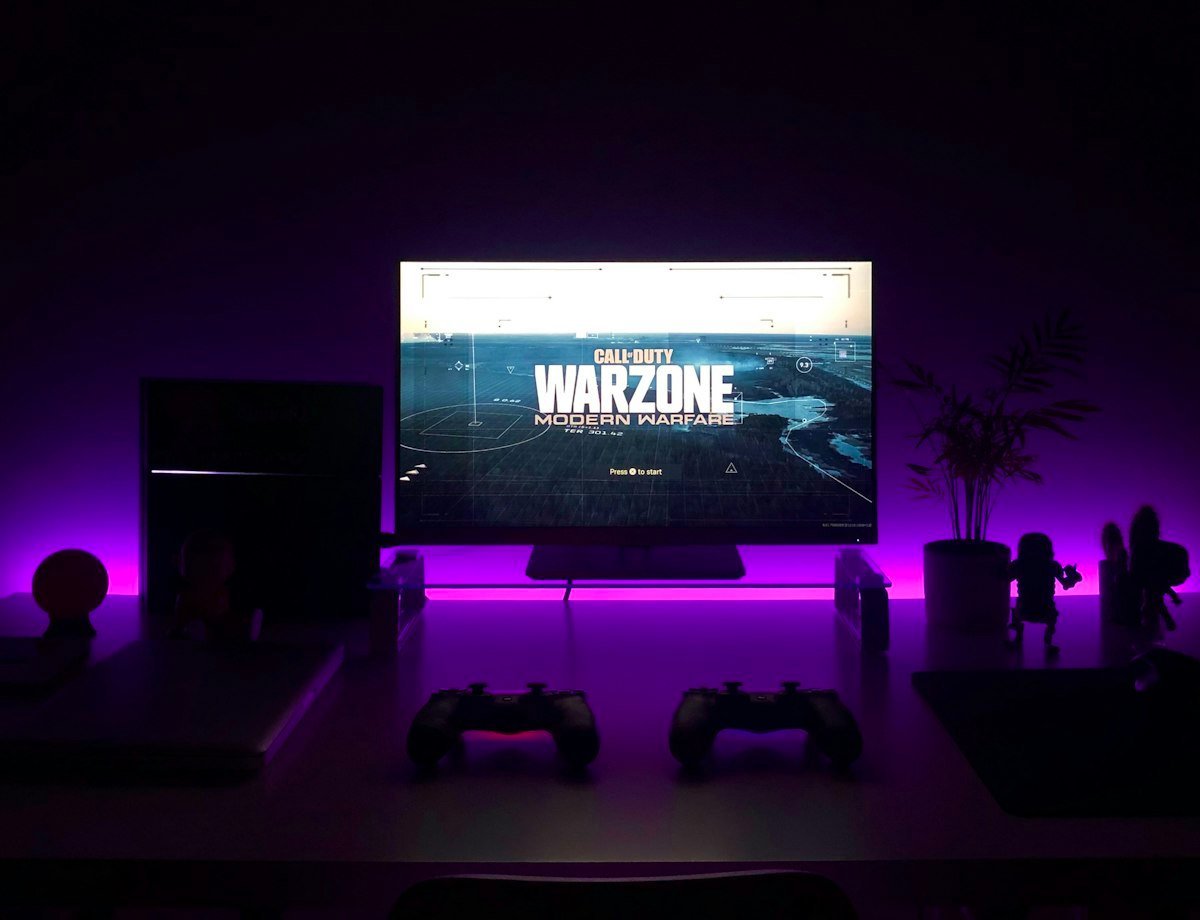
IPTV Smarters Pro is the undisputed king of IPTV streaming applications. Known for its clean, Netflix-style user interface, reliable internal video player, and rich electronic program guide (EPG), it is compatible with virtually every smart television sold in Ireland today.
Installing on Samsung Smart TV (Tizen OS)
- Turn on your Samsung Smart TV and press the Home button on your Smart Remote.
- Scroll left to APPS and select the search magnifying glass icon.
- Type IPTV Smarters or Smarters Pro.
- Select Install. Once complete, launch the app directly from your home bar.
Installing on LG Smart TV (webOS)
On LG webOS TVs, open the LG Content Store, search for IPTV Smarters Pro, and click install. The app will automatically optimize its resolution to your TV's native 4K display panel.
Step-by-Step Account Configuration
When launched for the first time, accept the terms and choose Login with Xtream Codes API:
- 📌 Any Name:
Ireland IPTV - 📌 Username:
[Sent to your WhatsApp] - 📌 Password:
[Sent to your WhatsApp] - 📌 Server Portal URL:
[Sent to your WhatsApp]
Click Add User. The app will download your live channel categories, movies, series, and TV guide data automatically.
Pro Tip: Enabling Hardware Acceleration
To prevent audio desynchronization or micro-stutters during live 4K sports broadcasts, go to Settings > Player Selection in IPTV Smarters Pro and switch the default video player from Software to Hardware Decoder.